KRKART
ASCIIKit — turn video and images into customizable ASCII art
ASCIIKit rebuilds your footage out of typed characters in real time, right in the browser. Your webcam, video, or image never leaves your device — and you can export the result as MP4, WebM, or PNG.
What it does
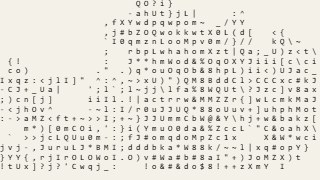
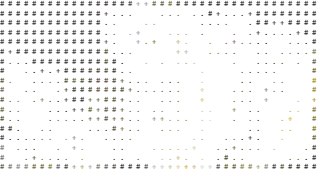
ASCIIKit slices your source into a grid of cells, reads the brightness of each cell, and paints a monospace glyph that matches its tone — from dense @ in the shadows to blank space in the highlights. Pick from ten built-in character ramps (Classic, Blocks, Detailed, Minimal, Dense, Binary, Hatch, Dots, Shades, Retro) or type your own custom sequence to define exactly how dark-to-light is drawn. Font family, weight, scale, character spacing, and line height all tune the density and feel of the lettering, while a Sampling mode (Box, Average, Sharp) controls how cleanly each cell is read.
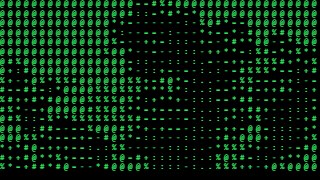
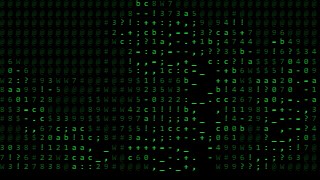
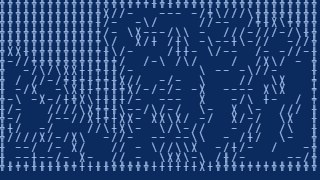
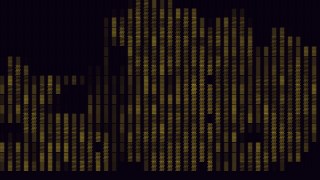
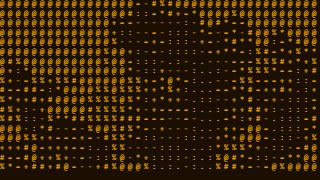
Color is fully under your control: keep the Original frame colors, drop to a single Mono or Custom glyph color, run a two-stop Gradient, or switch on the green-phosphor Matrix look. Pre-processing sliders for contrast, brightness, gamma, invert, and blur shape the image before it's converted, and an Edge Mode (Magnitude or Mix) adds Sobel outlines for a wireframe read. Background can be solid, inverse, or transparent, with optional per-character tiles and a duotone Tone Color Map. One-click style presets — Terminal, Matrix, Newspaper, Blueprint, Thermal, Comic, Amber CRT — set ramp, color, and background together as a starting point. Chain ASCIIKit with other KRKART effects via Combine, animate any control on the keyframe timeline, and export at 9:16, 1:1, or 16:9.
Use it for
- Turn a music clip or performance video into a Matrix-green ASCII visualizer for socials
- Run your webcam through a live terminal-style ASCII filter on stream
- Make a retro Amber CRT or Blueprint title card from a single image
- Build a glitchy 9:16 ASCII reel for TikTok or Reels
- Convert a logo or portrait into clean monospace text art for a PNG export
- Add Sobel edge outlines for a wireframe, hand-drawn ASCII look
How to use it
Open the Studio and pick a source: your webcam, a video or an image.
Add ASCIIKit from the hub, tweak its controls and watch the preview update live.
Export a 9:16 MP4 (or WebM / PNG) — no watermark with a license.