KRKART
Trails — endless echo, light and tunnel feedback
Trails runs a persistent feedback loop right in your browser, smearing every frame into endless echoes, light streaks and zooming tunnels. It works on webcam, video or images on-device — nothing is ever uploaded.
What it does
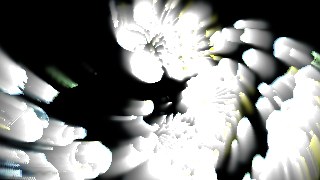
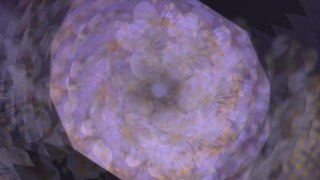
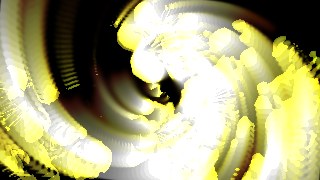
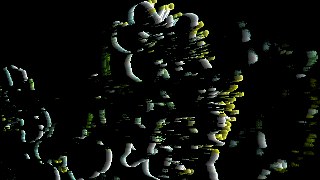
Trails keeps a persistent feedback canvas and redraws each frame back onto itself — zoomed, rotated and faded — before compositing the live source on top. The Persistence slider sets how long the smear lasts, and three modes shape the look: Echo for soft motion trails, Light for additive streaks that keep only the bright parts, and Tunnel for an aggressive outward zoom that turns motion into an infinite vortex. Feedback Zoom and Rotate steer the drift, while the optional Spiral / Polar mode warps the loop into a true twisting spiral tunnel via concentric rings.
Push it further with multi-tap echo (up to five offset copies along a golden-angle spread for stroboscopic ghosting), source gating to leave trails only from bright or moving pixels, and a color stage with a static tint, a time-cycling rainbow drift, hue shift and decay-to-black. Turn on Audio Reactive and upload a track to make the bass pulse zoom and persistence in time. Seven presets — Soft Echo, Light Streaks, Infinite Tunnel, Spiral Vortex, Rainbow Drift, Rave Pulse and Motion Ghost — set everything at once. Pick a working resolution and cover/contain fit, then export MP4 or WebM in 9:16, 1:1 or 16:9, chain it with Combine or animate it on the keyframe timeline.
Use it for
- Long-exposure light streaks from neon, headlights or LED wands
- Infinite-tunnel intros and loops for music videos and short-form clips
- Audio-reactive visuals that pulse to the bassline of a track
- Stroboscopic motion-ghost trails behind a dancer or moving subject
- Hypnotic spiral-vortex backdrops for music videos and VJ sets
- Dreamy echo smears over webcam footage for reels and stories
How to use it
Open the Studio and pick a source: your webcam, a video or an image.
Add Trails from the hub, tweak its controls and watch the preview update live.
Export a 9:16 MP4 (or WebM / PNG) — no watermark with a license.
7 ready-made looks
Each look is a one-click starting point for Trails — it opens in the Studio on a demo clip, ready for your own footage.