KRKART
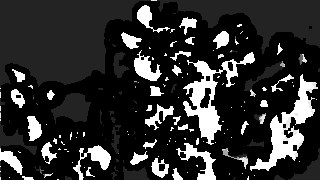
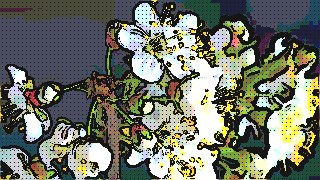
Comic — cel-shade with flat color bands and ink outlines
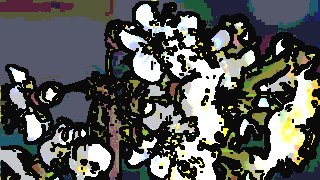
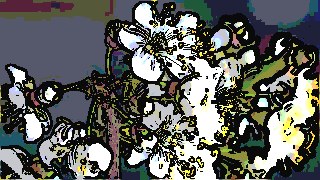
Comic posterizes your image or footage into a few flat color bands, then stamps dark ink outlines on top for a printed cel-shaded look. It runs entirely in your browser on your webcam, a video, or a photo — nothing is uploaded, files never leave your device.
What it does
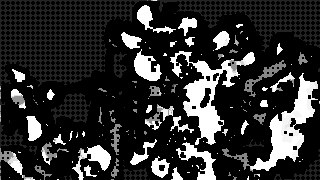
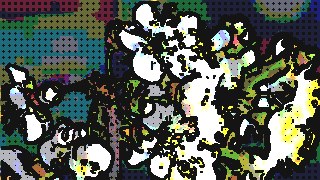
Comic works in three stacked stages. First it posterizes the source into a small number of flat color bands — set Levels from 2 to 8 to control how blocky the shading reads, and push Saturation up to 2.5x to pop the colors before they quantize. Then an optional Ink Outline pass runs a Sobel edge detector over the frame and stamps dark lines wherever it finds an edge; Edge Threshold decides how much line you get (low = busy linework, high = only the hard contours), while Line Width and a custom Ink Color let you fine-tune the pen. An optional Halftone Shadows stage drops printed-comic dots into the dark areas, with the dot radius growing as the pixel gets darker — Dot Size and Shade Amount dial the density.
Everything is computed on a downscaled working buffer and upscaled crisp with smoothing off, so the flat bands and ink stay sharp and it stays real-time even on a live webcam. A Quality control (160 to 440px) trades fidelity for speed, Fit switches between cover and contain framing, and Monochrome plus Invert flip the whole look into inked black-and-white or a negative. Comic accepts webcam, video, or image input, chains with other effects through Combine, animates on the keyframe timeline, and exports to MP4, WebM, or PNG in 9:16, 1:1, or 16:9. Preview is free; download is part of the paid plan at €19.90/yr.
Use it for
- Turn a selfie or portrait photo into flat cel-shaded comic art with clean ink outlines
- Give a music video or B-roll clip a printed-comic look with halftone shadows
- Run a live webcam stream through a real-time cartoon filter for calls or recording
- Make bold posterized 9:16 clips for TikTok, Reels, and Shorts
- Create high-contrast inked black-and-white panels using Monochrome mode
- Layer Comic over another effect with Combine for a graphic-novel composite
How to use it
Open the Studio and pick a source: your webcam, a video or an image.
Add Comic from the hub, tweak its controls and watch the preview update live.
Export a 9:16 MP4 (or WebM / PNG) — no watermark with a license.
6 ready-made looks
Each look is a one-click starting point for Comic — it opens in the Studio on a demo clip, ready for your own footage.