KRKART
LoopFlow — the infinite Droste tunnel that zooms, twists and spirals forever
LoopFlow folds your video, webcam or photo into an endless recursive zoom — a Droste tunnel that scrolls, rotates and spirals on a loop. It runs entirely in your browser on your own device, nothing is ever uploaded, and you can export the result as MP4, WebM or PNG.
What it does
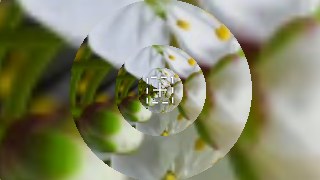
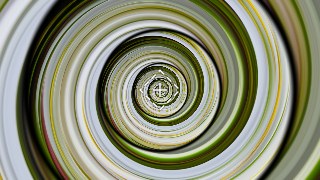
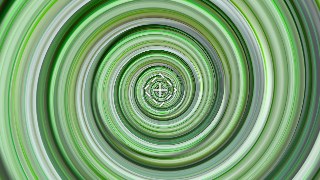
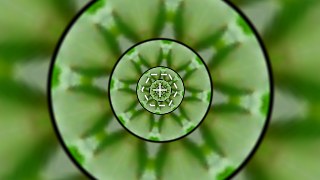
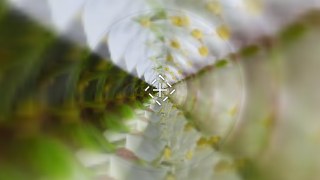
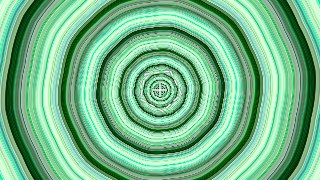
LoopFlow is a log-polar recursive remap: it picks a region of your frame and tiles it inward forever, so the image appears to fall into a bottomless tunnel of itself. A Zoom control sets how fast each ring shrinks (one octave per zoom step) and a Speed control scrolls the whole spiral, forward or backward, locked to time so the preview and the export match frame for frame. Switch Mode from Droste to Twisted to bend every ring into a true spiral, with a Twist slider from gentle swirl to full vortex. Six presets — Classic, Spiral, Hypnotic, Kaleido, Tunnel and Acid — set the whole rig at once when you just want a ready-made infinite zoom.
You choose the loop's heart with an Auto region (Triangle, Square, Pentagon, Hexagon or Circle, with radius, rotation, scale and center) or by clicking the corners of your own polygon in Draw mode. Stack up to four staggered Recursion layers for overlapping depth, flip on the Kaleido blend for 2–16 mirror segments, and drive the color with Hue Cycle, Saturation and Brightness so the tunnel rotates through trippy hues as it descends. Edge feather softens the seams, Bilinear sampling keeps it smooth, a quality cap (320–560px) holds real-time speed on video, and a custom background fills anything outside the loop. Chain it with other KRKART effects via Combine, add a keyframe timeline, and layer on Text — all in 9:16, 1:1 or 16:9.
Use it for
- Build an endless zooming tunnel intro for a music video or performance clip
- Make hypnotic 9:16 loops for TikTok, Reels and Shorts
- Spiral a logo or photo into an infinite Droste mirror for a brand sting
- Generate kaleidoscope visuals that pulse behind live performance
- Turn a webcam feed into a psychedelic acid spiral for streams
- Create looping background art for VJ sets and event screens
How to use it
Open the Studio and pick a source: your webcam, a video or an image.
Add LoopFlow from the hub, tweak its controls and watch the preview update live.
Export a 9:16 MP4 (or WebM / PNG) — no watermark with a license.