KRKART
LowPoly — rebuild any source as flat low-poly triangles
LowPoly triangulates your image, video or webcam feed into crisp flat-shaded triangles in real time, right in the browser. Nothing is uploaded — your files never leave your device — and you can preview free, then export MP4, WebM or PNG.
What it does
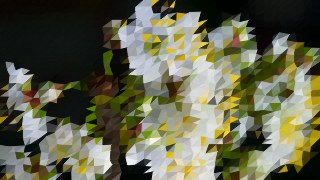
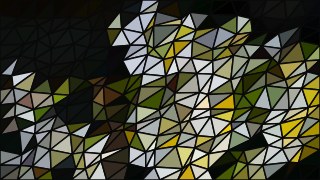
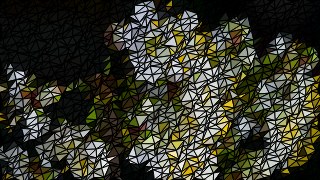
LowPoly scatters a jittered grid of vertices across the frame, splits every cell into two triangles, and floods each triangle with the source color sampled at its center — turning photos, video or a live webcam into clean, flat low-poly art. Density sets how many triangles span the frame (from chunky 6-column facets to a fine 120-column mesh), while Jitter controls how irregular the triangles get, from a tidy lattice to scattered shards. A Quality control picks the internal working resolution (200 to 520px), and a Fit toggle covers or contains the source in 9:16, 1:1 or 16:9 frames.
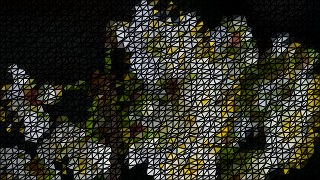
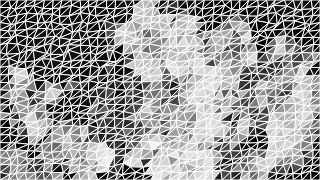
Turn on Edges to outline every triangle with an adjustable width and color for a hard wireframe look, or leave them off for seamless flat fills. Animate sets the vertices drifting so the whole mesh breathes and reshuffles over time, with a Drift Speed slider to dial the motion. A Monochrome toggle flattens the fills to grayscale and Invert flips the colors. Because every effect in KRKART runs on-device on HTML Canvas, LowPoly works in real time, chains with other effects via Combine, animates along the keyframe timeline, and exports to MP4, WebM or PNG — free to preview, paid to download.
Use it for
- Give a portrait or selfie a geometric low-poly poster look
- Turn a music or performance clip into animated shifting triangle visuals
- Make a stylized 9:16 cover frame for Reels, Shorts or TikTok
- Create a wireframe-triangle aesthetic with the Edges outline on
- Add a drifting low-poly background behind text or a logo
- Build a clean flat-shaded thumbnail from a single image
How to use it
Open the Studio and pick a source: your webcam, a video or an image.
Add LowPoly from the hub, tweak its controls and watch the preview update live.
Export a 9:16 MP4 (or WebM / PNG) — no watermark with a license.
6 ready-made looks
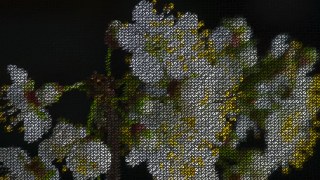
Each look is a one-click starting point for LowPoly — it opens in the Studio on a demo clip, ready for your own footage.